
MatrixGold 3.11: The Agility Update
Exceptional Visuals,
Streamlined Workflow
& Dynamic Flexibility.
This update brings a suite of powerful tools and refinements crafted to make every stage of your design process smoother, smarter, and more visually striking. Whether you’re developing intricate settings, fine-tuning your workflow, or presenting lifelike renders, this release gives you the flexibility and control to realise your vision with ease.
What’s New in MatrixGold 3.11…

MatrixGold: iJewel Extension
Introducing MatrixGold 3.11, now enhanced with the powerful iJewel extension—designed to accelerate your creative process like never before. With iJewel, you can produce high-quality renders and smooth animations in a matter of minutes, giving you the freedom to visualise and present your designs with remarkable speed and clarity.
This model was created and animated in just five minutes, demonstrating the efficiency and agility of the new tools.
Experience faster workflows, sharper visuals, and greater flexibility—all in the latest MatrixGold release.
What is MatrixGold?
MatrixGold combines top Matrix and RhinoGold features with elements of the user-friendly CounterSketch interface. MatrixGold will simplify your work, resulting in greater productivity and easier customer participation.
Power
Rhino 8 CAD engine
– Developed using the latest version of McNeel’s Rhino 8 CAD engine.
– Provides outstanding speed for greater responsiveness.
– Improves presentations, display and more.
Flexibility
Parametric history powered builders
– MatrixGold has enhanced data trees that retain — and remember — how components were built and how they relate to one another.
– Use this parametric history/memory to reconfigure design changes quickly.

Pre-production
Design reporting
– Improved volumising tools that help you to estimate manufacturing prices.
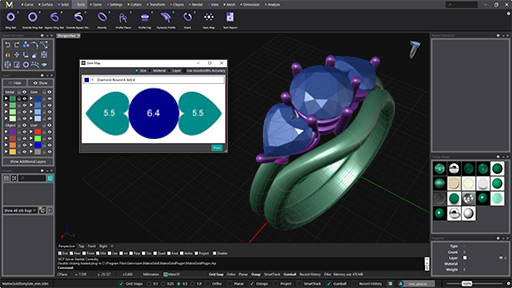
– Users have access to gem mapping, material lists, and additional reporting enhancements.
– Combination of features from the RhinoGold Tech Report and- Matrix Reporting tools that promote ease of use and customer value.
Advanced rendering
New rendering core
– MatrixGold builds on the Rhino 8 Cycles Engine to make rendering easy and intuitive.
– Allows GPU or CPU rendering to make the most of any computer system.
– Live preview rendering features material hot-swapping.
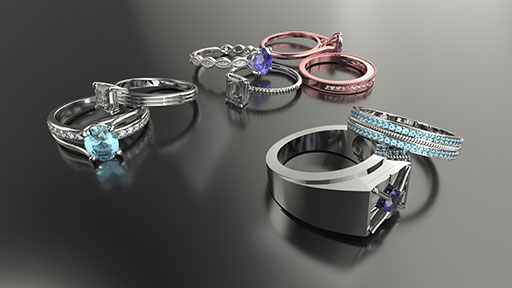
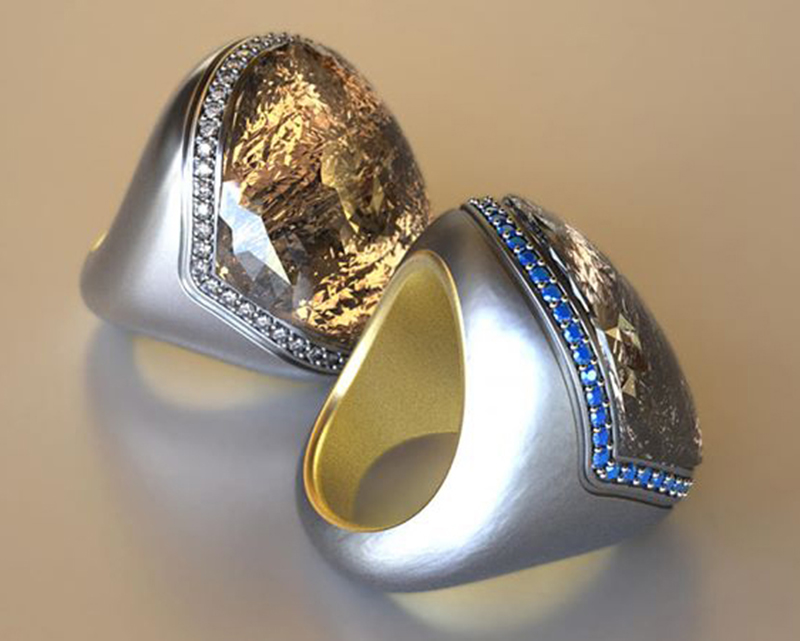
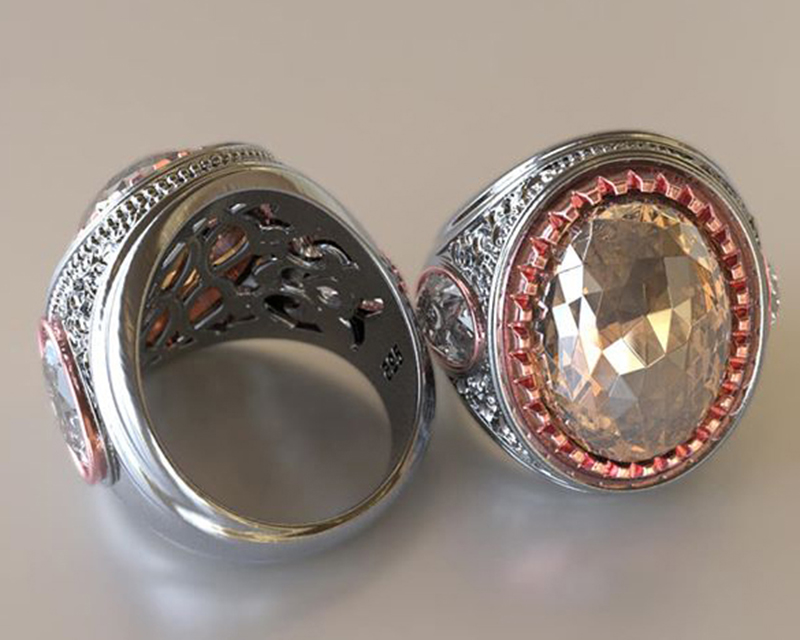
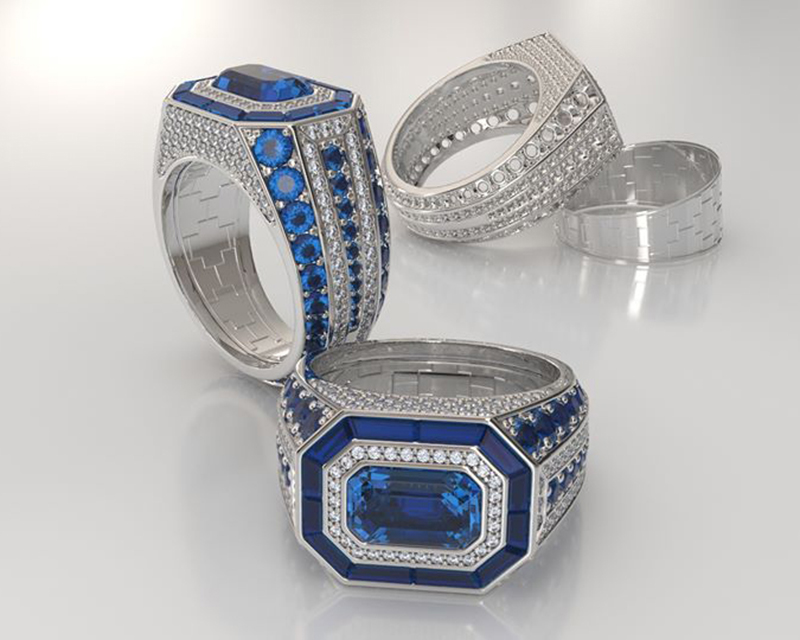
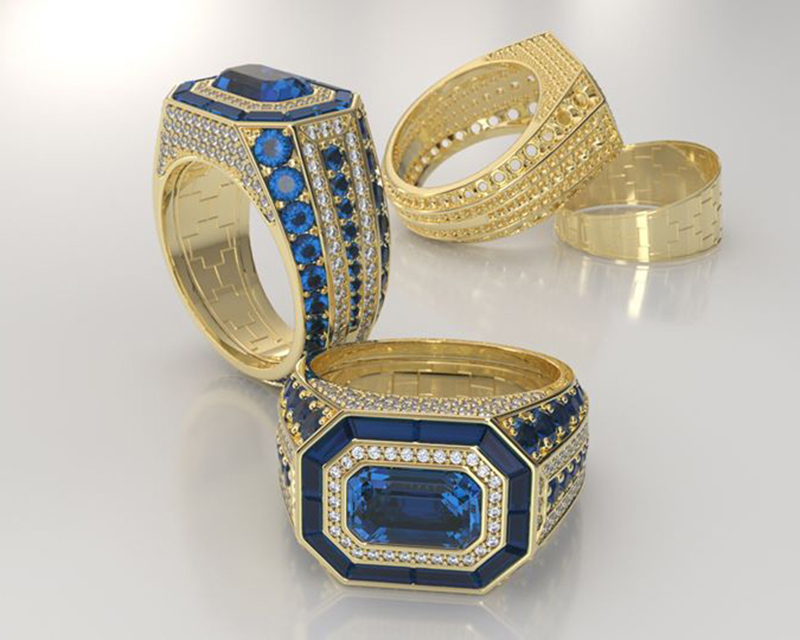
Designed in MatrixGold
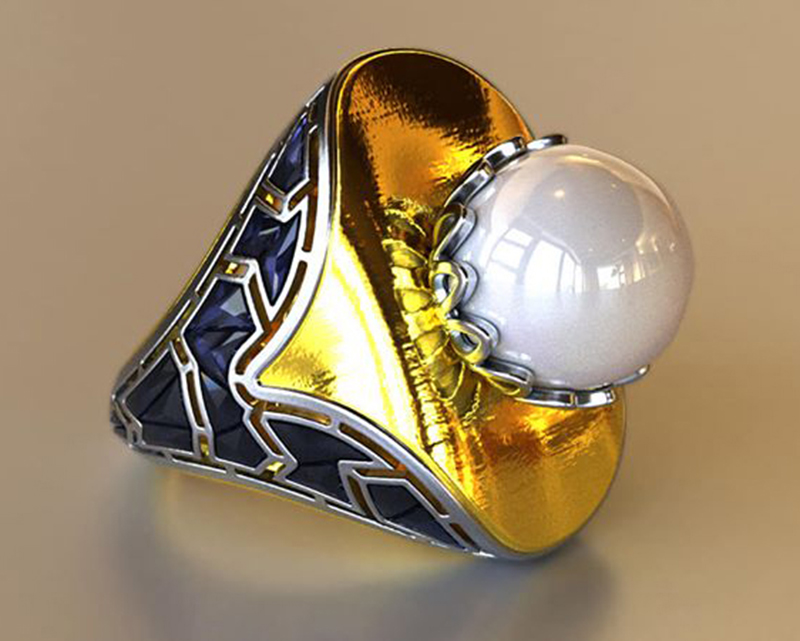
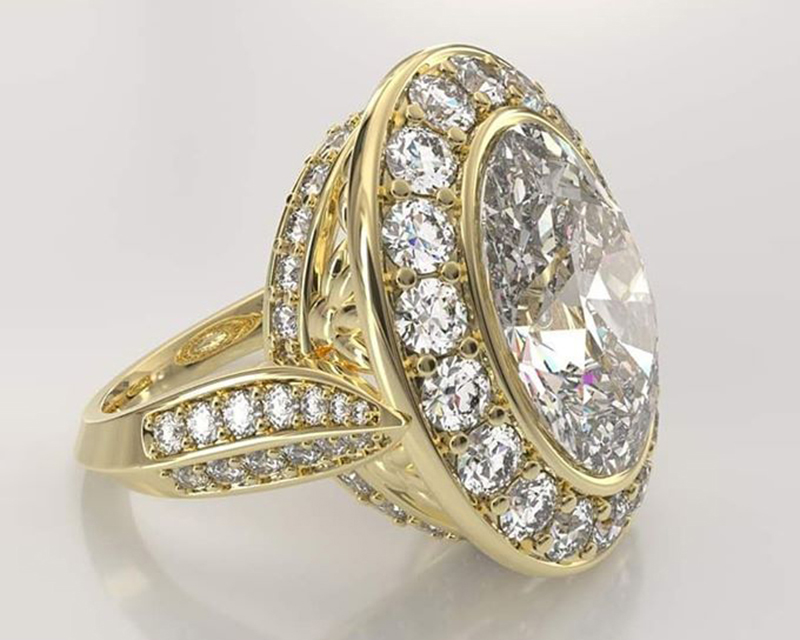
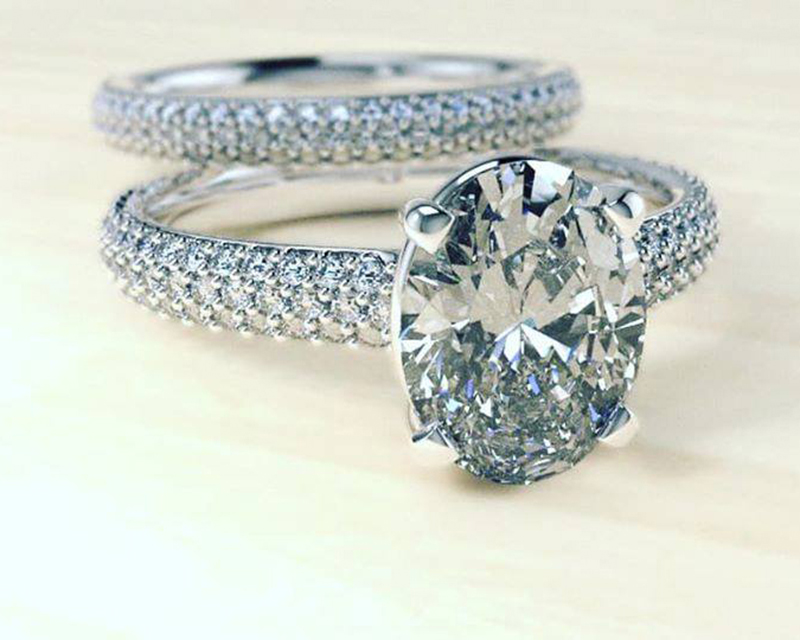
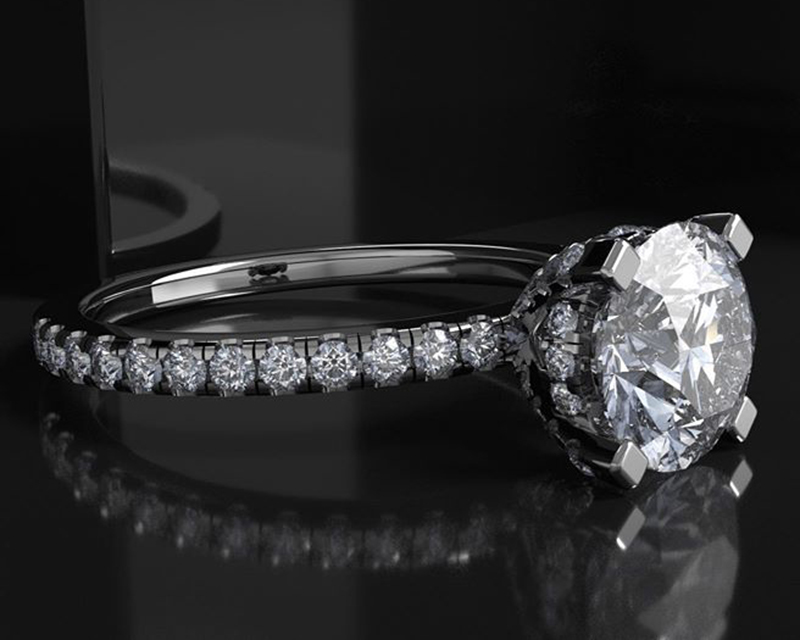
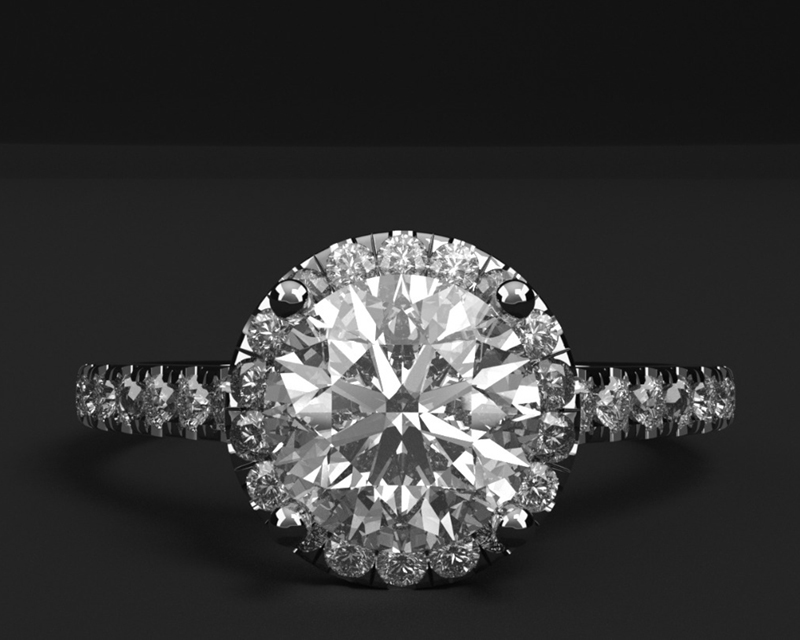
Art is the science of creation and with MatrixGold creating has just become easier. Excite your clients with live changes by creating something amazing right in front of their eyes.

Contact us
Our GVUK Design team are here to help and advise on the best solution to your requirements, with full training and technical support.
T: 01582 727 971
E: [email protected]
E: [email protected]
MatrixGold News
The Agility Update
Stunning visualisation, a smarter workflow, and dynamic adaptation take centre stage in the latest release.
MatrixGold has announced the launch of version 3.11, introducing a host of powerful new tools and enhancements designed to elevate the jewellery design experience. The Agility Update focuses on giving designers greater speed, flexibility and visual impact throughout every stage of the creative process.
From crafting intricate settings to refining complex workflows, the new features aim to make design both more intuitive and more efficient. Enhanced visualisation tools enable highly realistic renders, helping jewellers present concepts with greater clarity and confidence.
With this update, MatrixGold continues its commitment to delivering intelligent, responsive software that adapts to the way designers work. Version 3.11 offers the control, versatility and visual finesse needed to bring any creative vision to life—effortlessly.
MatrixGold videos
Watch the magic with these short taster videos
MSR is back With Gems
MatrixGold Wed-Fit made easy.
And MSR Objects
Bespoke settings created from a collet using scallop cutter in MatrixGold with parametric history for easy editing.
Pull to rail is back
MatrixGold just 20 passes per frame.
Proxy Gem, just brilliant!
Learn how to create realistic French set with MatrixGold using cutters and parametric history.
Custom Gem, Better than ever
Watch and learn how easily you can set MatrixGold to render multiple versions with ease, 100’s of versions automatically rendered and saved to your destination folder.
Gem Placer – time saving Pave tool
Enjoy the flexibility to fully adjust your designs, changing gem shape & size, number of gems and layout allowing unlimited variations. Thanks to Michele Turco for this video.